Archive
A Shopify theme built like a fashion archive: typographic index, numbered editions, filmstrip collections, lookbook. Zero apps required. Pick Archive over Revue when you sell few pieces in short runs — the index, the numbering and the filmstrip do the talking.
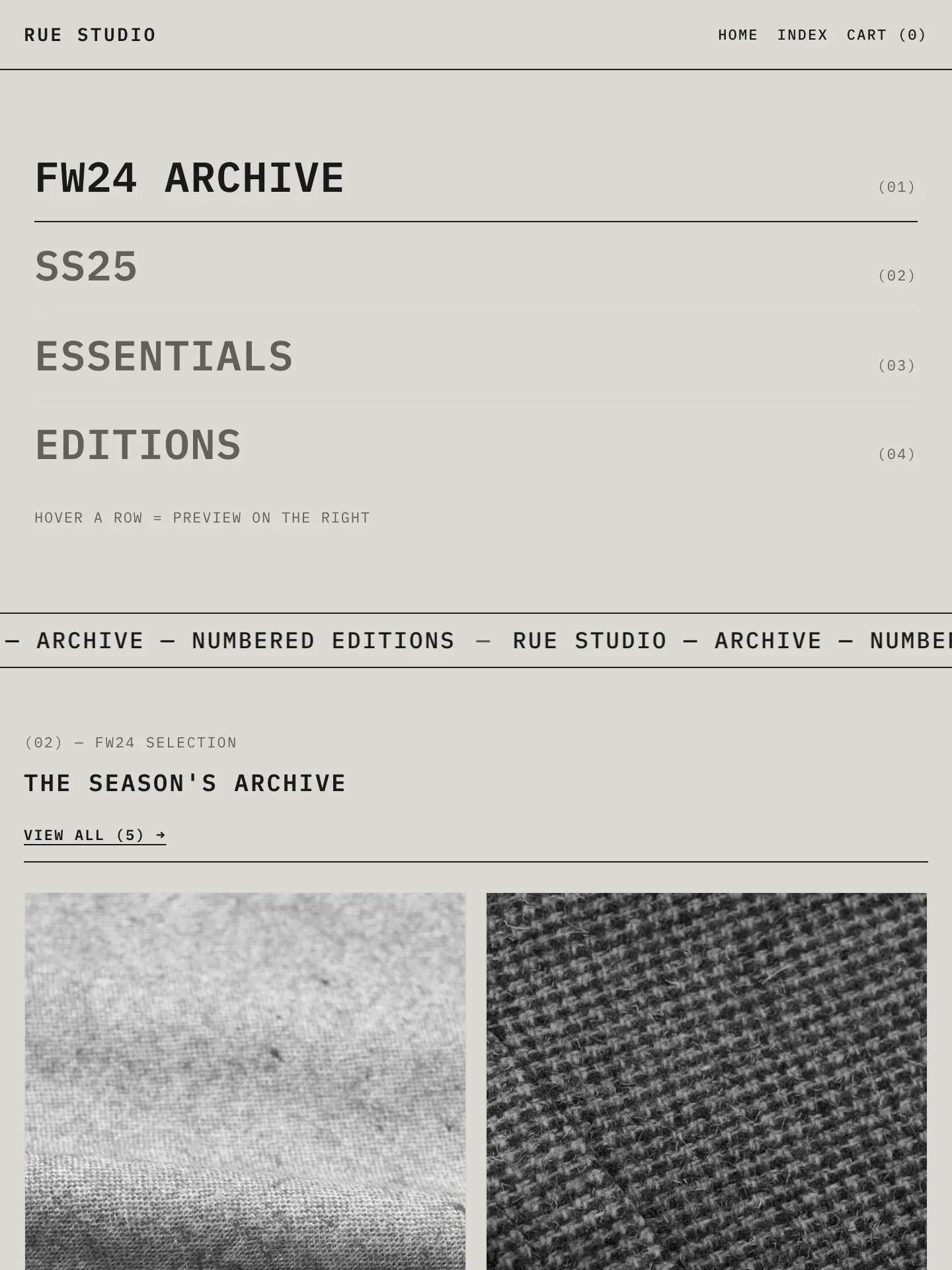
Everything’s included.
Compare all editions in one grid →
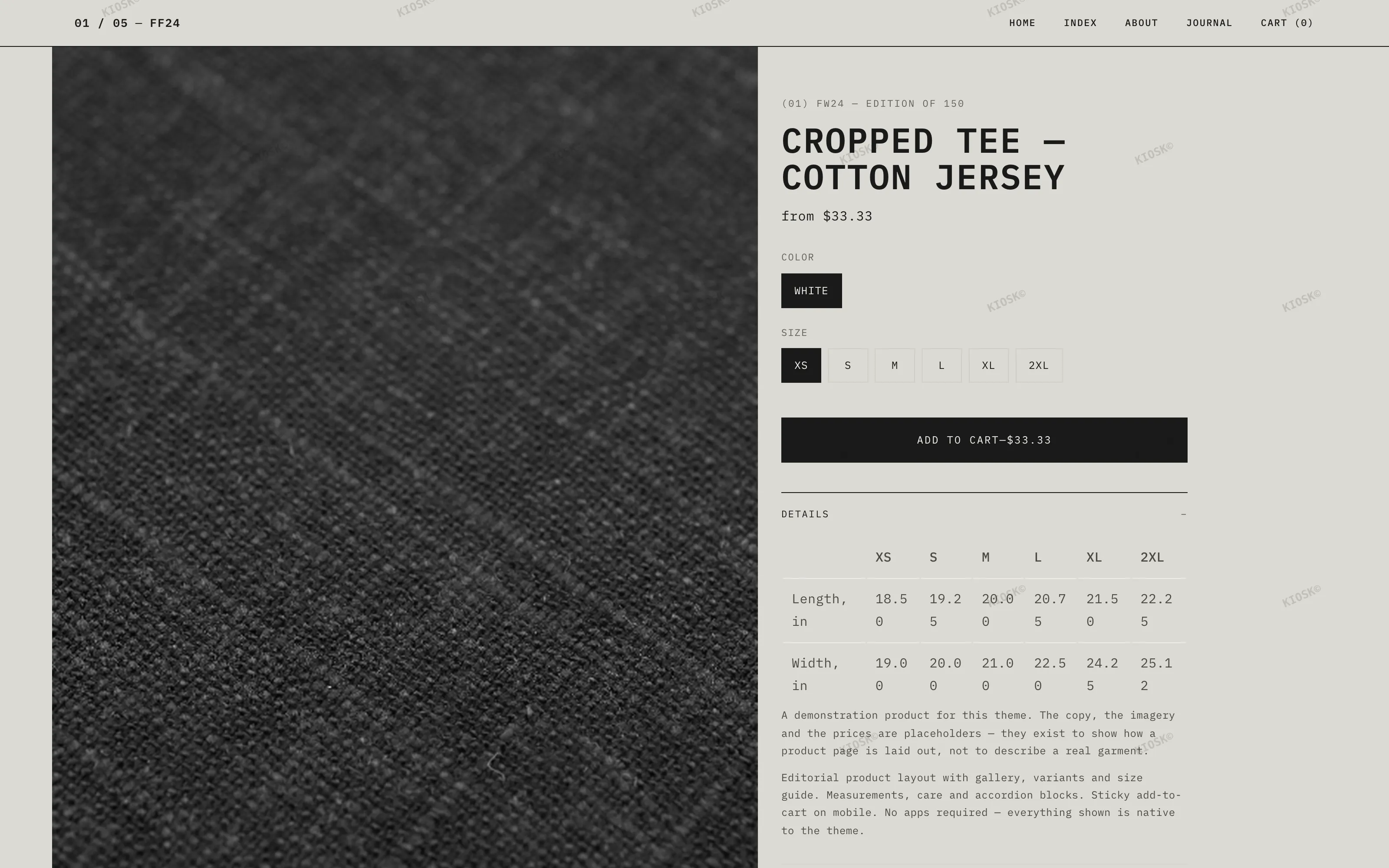
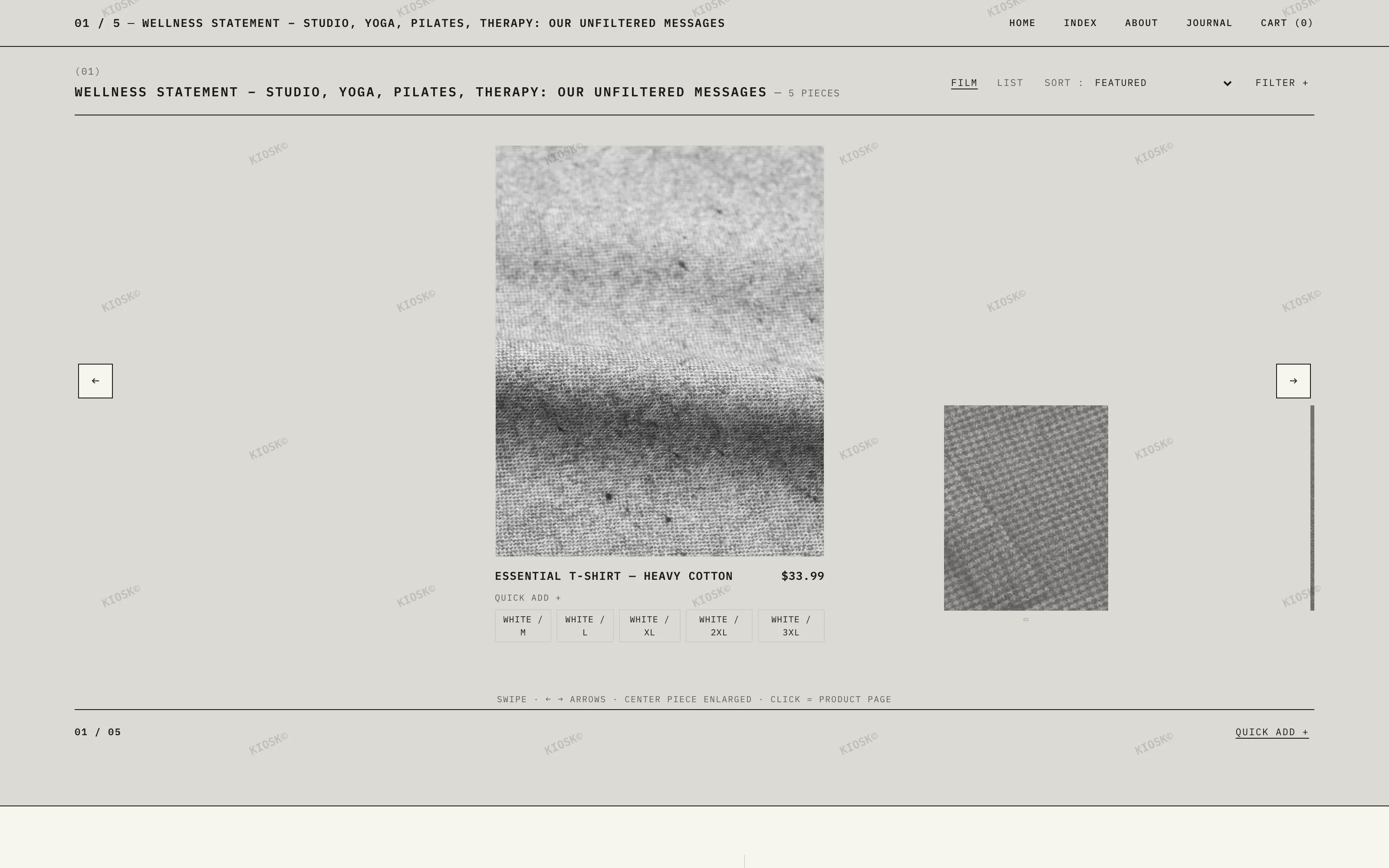
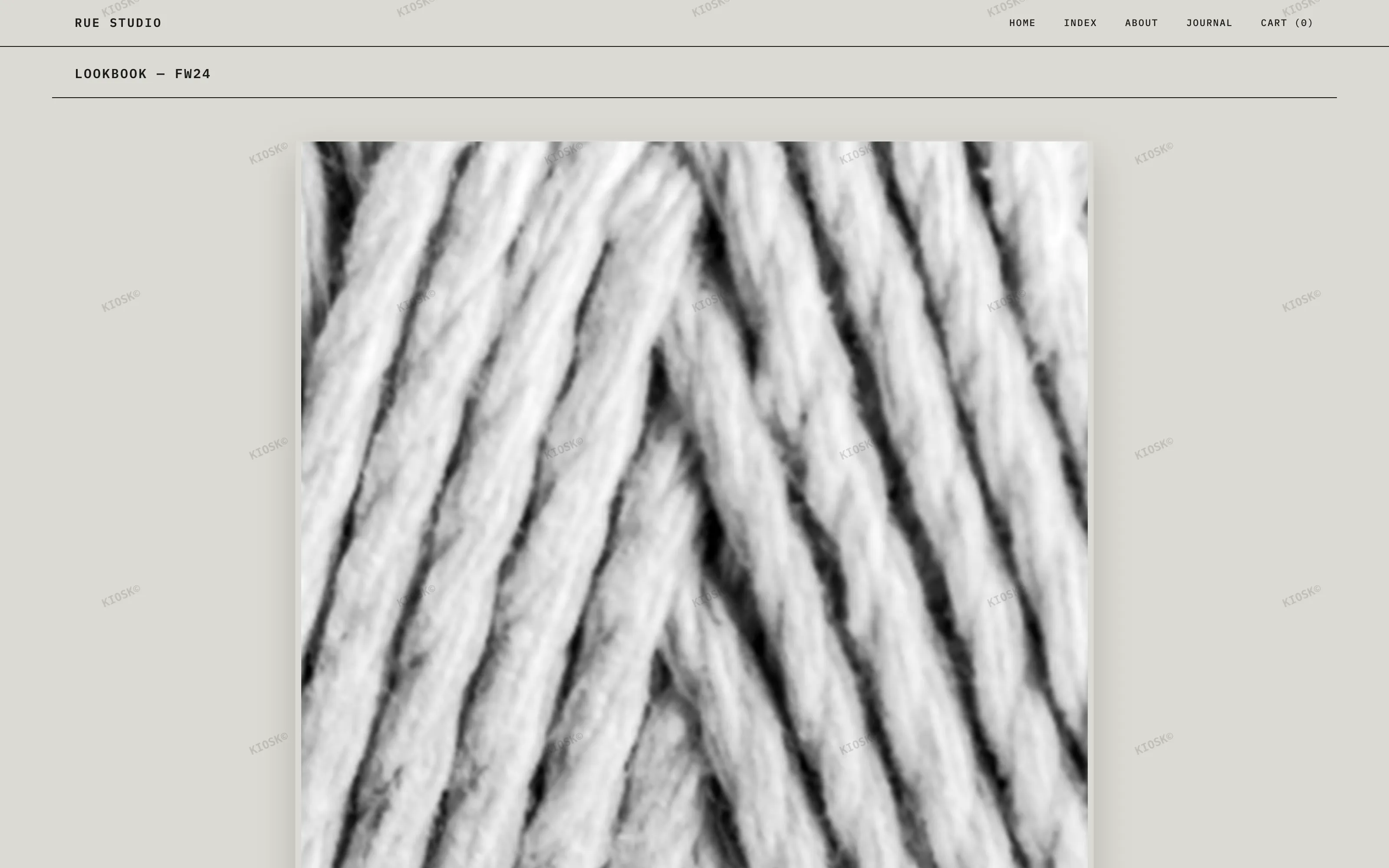
Want to see every page? Walk through the live demo ↗
One price.
No subscription.
You buy the current version and it’s yours for good. When a major update ships, an email lets you know — upgrading is always your call. Your version keeps working no matter what.
We install it
on your store. Free.
Buying a theme should not turn into an evening of admin. Tell us when you are ready, give the counter a Shopify collaborator access, and we upload Archive, set up your colours, fonts, logo and menus, and build your home page from the content you send. You approve it, then you publish – nothing goes live until you say so.
Shelve Archive in your store for two full weeks. If it doesn't sit right on your shelf, one email to the counter refunds you — no forms, no questions.
| Version | Date | Contents |
|---|---|---|
| v1.3 | September 2026 | Account print — Shopify's account component in the header, a “Taxes included” note under the product price, language-aware cart addresses in the drawer, lighter header on mobile |
| v1.2 | August 2026 | Commerce print — payment method logos, EU unit prices, complementary recommendations, two-level menus in the INDEX overlay, templates fully in English |
| v1.1 | August 2026 | Express checkout — Apple Pay, Google Pay and Shop Pay through Shopify’s native product form, with the Installments banner |
| v1.0 | July 2026 | First print of the edition — typographic index, numbered editions, filmstrip collections, lookbook metaobjects, 45 sections, EN + FR |
Do you really install the theme for me?
Yes, and it costs nothing extra. Once you have bought, email the counter with your store address and grant a Shopify collaborator access. We upload the theme, set up your logo, colours, fonts and menus, and build your home page from the images and copy you send, usually within two business days. It stays a draft until you review it — you are the one who publishes.
What is not included in the free installation?
We do not write your copy, import your product catalogue, build custom features, or configure third-party apps. Those are real projects rather than a setup. If you need them, say so and we will tell you honestly whether we can help or point you elsewhere.
Do I need coding skills to use this theme?
No. Everything is configured in the Shopify theme editor: colours, menus, sections, metafields. The included guide gets you running in about 10 minutes.
Which Shopify plan do I need?
Any plan — Basic and up. The theme uses Online Store 2.0 and requires no Shopify Plus features and no paid apps.
What makes it an “archive” theme?
The store reads like a fashion archive: a typographic index as the home page, numbered pieces (edition size, season, position), ink caption bars on photos, and a filmstrip presentation for collections.
Does it work with my language?
The interface ships with complete English and French translations. Any other language can be added through Shopify’s standard translation system.
How do updates and support work?
You own the version you buy, forever. Bug fixes are free; major updates are optional and announced by email. Support is answered within 48 hours on business days.
From people who installed it
No published review yet. You have ARCHIVE? Yours will be the first.
Write a review
Worth reading before you choose
- Best Shopify Themes for Clothing & Fashion Stores in 2026The best Shopify themes for clothing and fashion stores in 2026, judged on design, speed and conversions — and what makes an editorial theme different.· 5 min
- Editorial Web Design for Ecommerce: Building a Magazine-Style StoreEditorial web design turns a shop into a story. Learn how magazine-style layouts, whitespace and typography make fashion ecommerce feel premium in 2026.· 4 min
- How to Make Your Shopify Store Look ProfessionalWant your Shopify store to look professional, not generic? These design fundamentals — typography, whitespace, imagery and consistency — do the heavy lifting.· 6 min