Soin
Cream paper, deep-green ink, one lime accent. Built for multi-brand skincare: a routine quiz that works, a bundle builder, a wishlist with no app, a cart drawer that earns free shipping. 38 sections, English and French, zero dependencies.
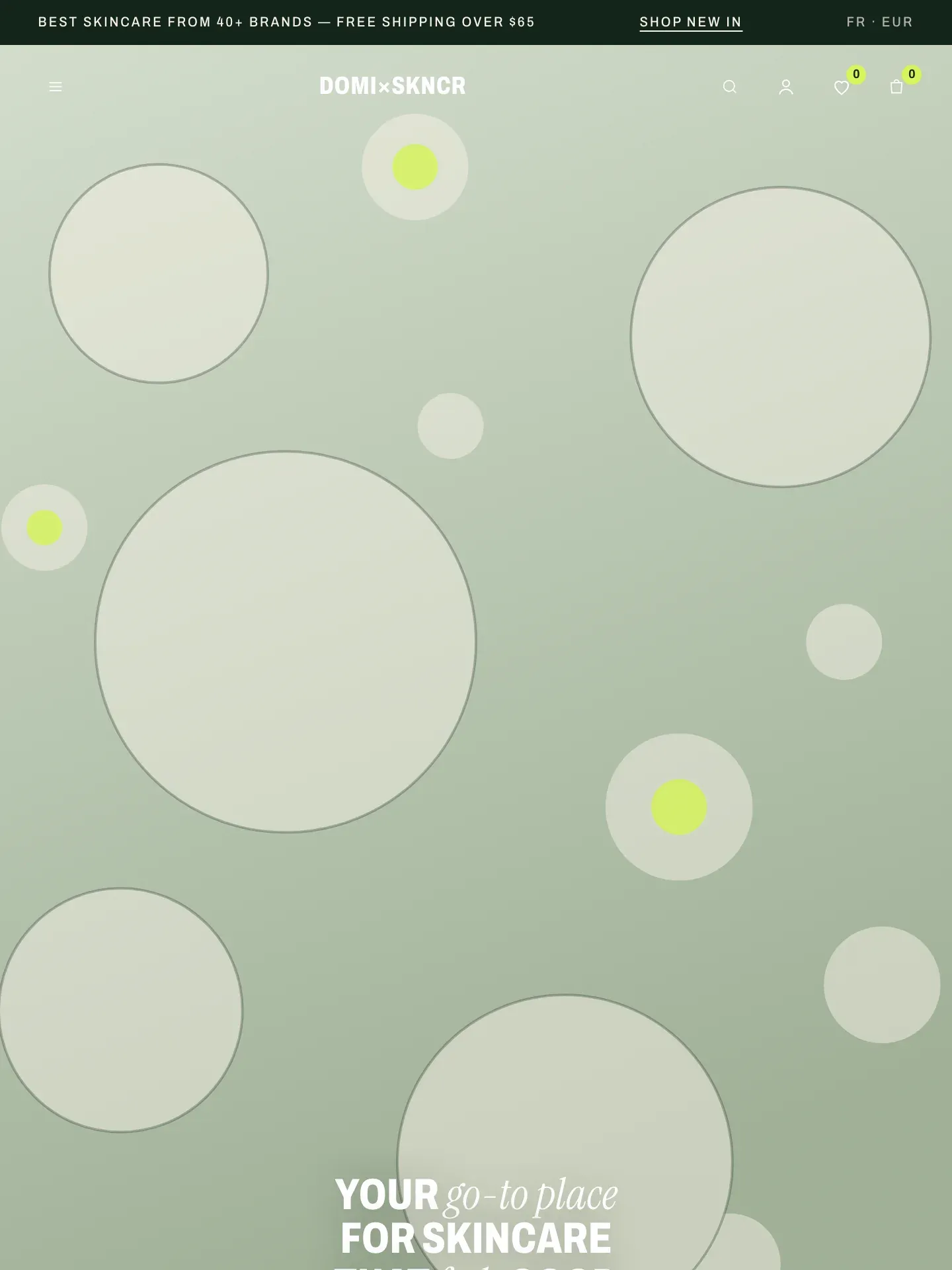
Everything a skincare shelf needs to sell.
Compare all editions in one grid →
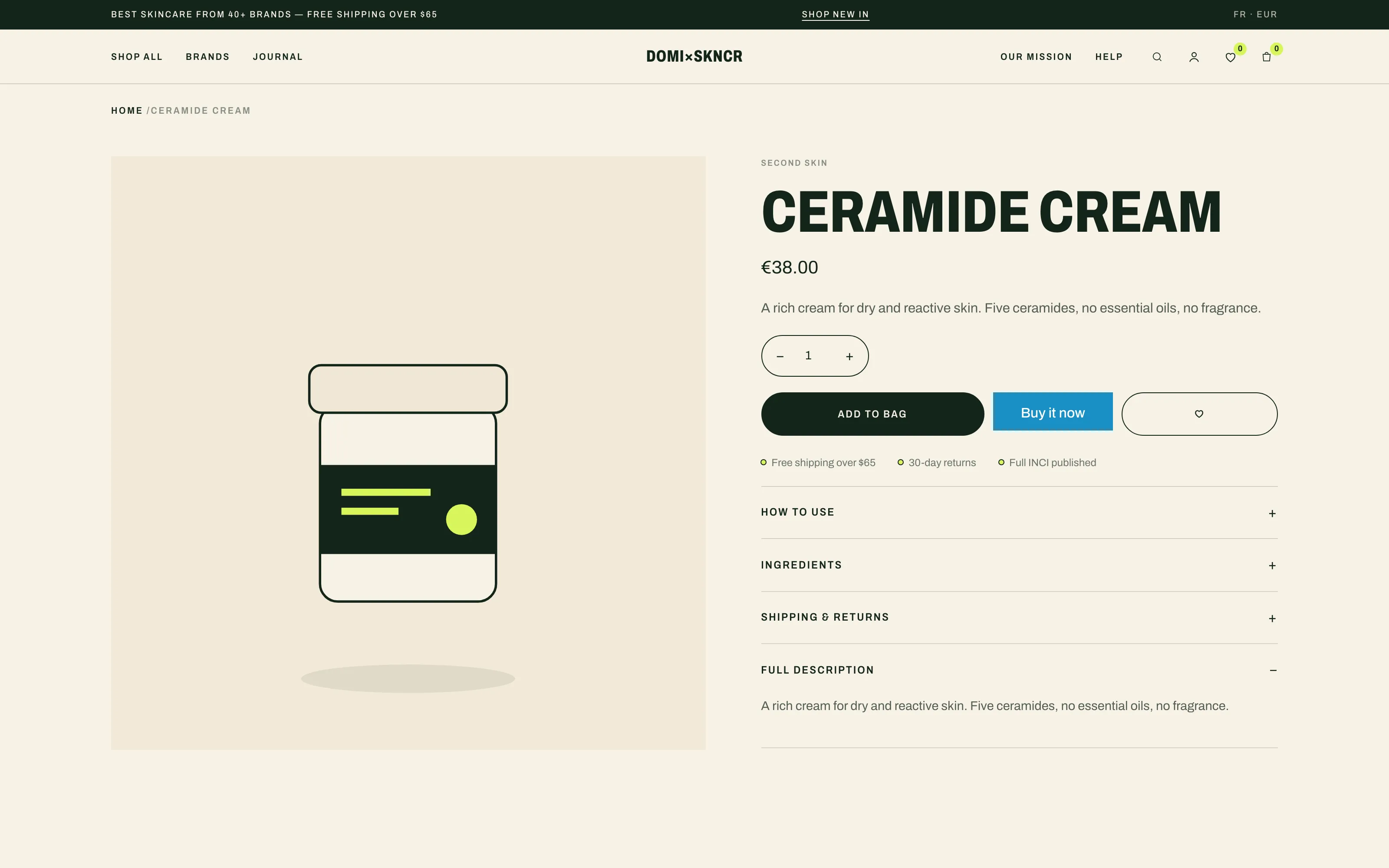
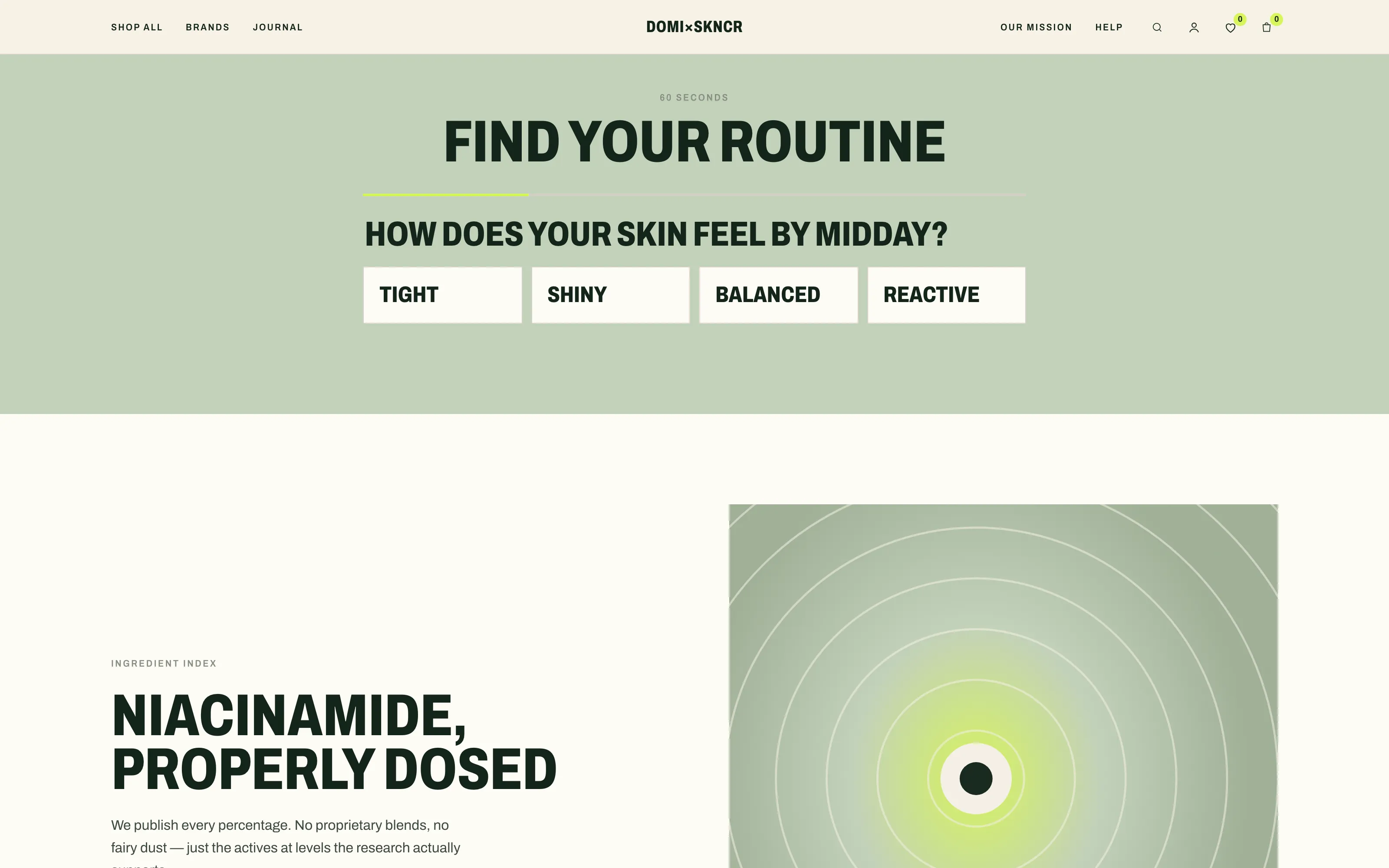
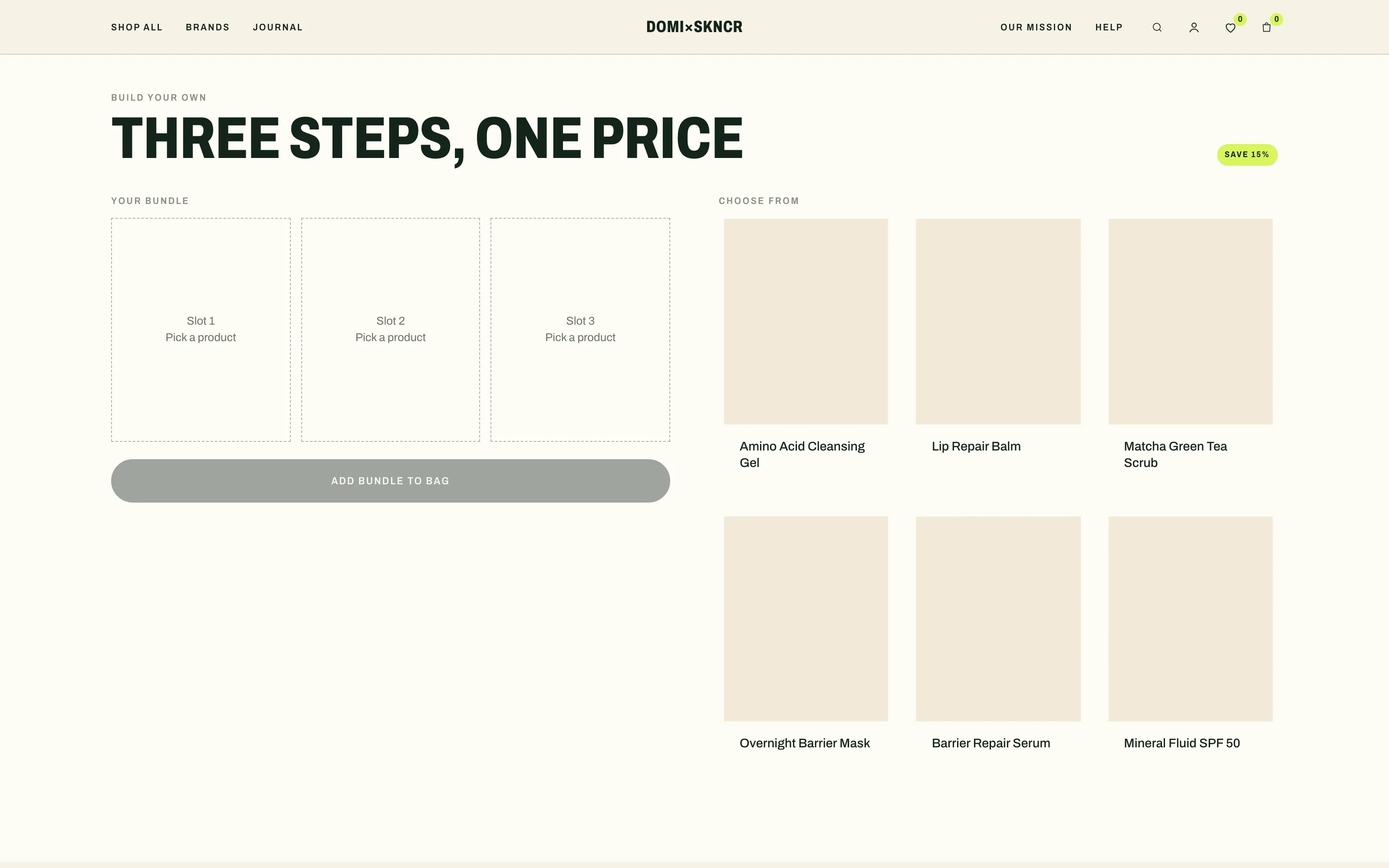
Want to see every page? Walk through the live demo ↗
One price.
No subscription.
You buy the current version and it’s yours for good. When a major update ships, an email lets you know — upgrading is always your call. Your version keeps working no matter what.
We install it
on your store. Free.
Buying a theme should not turn into an evening of admin. Tell us when you are ready, give the counter a Shopify collaborator access, and we upload Soin, set up your colours, logo and menus, wire the quiz and the bundle builder to your collections, and build your home page from the content you send. You approve it, then you publish – nothing goes live until you say so.
Let Soin sit on your shelf for two full weeks. If it's not to your taste, one email to the counter refunds you — no forms, no questions.
| Version | Date | Contents |
|---|---|---|
| v1.2 | September 2026 | Account print — customer accounts in the header on desktop and mobile, a wishlist page setting, “Taxes included” under the price and in the cart, quantities typed directly in the cart drawer and cart page, larger touch targets and labelled form fields |
| v1.1 | September 2026 | Discovery print — predictive search with product, collection and page suggestions, Shopify Markets country and language selectors in the footer, payment method icons, unit prices on cards, product page and cart, every storefront text translatable |
| v1.0 | September 2026 | First pressing — routine quiz, bundle builder, app-free wishlist, cart drawer with free-shipping bar, brand directory, shop-by-concern tiles, ingredient spotlight, press marquee, reviews wall, journal teasers, ready-made about / brands / FAQ / contact / wishlist page templates, branded SVG placeholders, self-hosted variable fonts, English + French storefront and theme editor, 35 sections |
Do you really install the theme for me?
Yes, and it costs nothing extra. Once you have bought, email the counter with your store address and grant a Shopify collaborator access. We upload the theme, set up your logo, colours, fonts, menus and collections, and build your home page from the images and copy you send, usually within two business days. It stays a draft until you review it — you are the one who publishes.
Do I need any apps?
No. The quiz, the bundle builder, the wishlist, the cart drawer and the filters are all part of the theme, running on Shopify’s own machinery. There are no required metafields either — install it, wire your collections, and it sells.
How does the routine quiz work?
You assemble it from blocks in the theme editor: Question blocks where each answer scores a profile, and a result card that links each profile to a collection. Answers and profiles are plain text you control — no external service, nothing to subscribe to.
Does the bundle builder apply the discount itself?
It fills the cart — one line per product, in one tap. The price break comes from an automatic discount you create in your Shopify admin, so it applies at checkout no matter how the cart was built. The guide shows the exact setup.
Where is the wishlist stored?
In the visitor’s browser, under a single localStorage key. That is what makes it work without accounts or apps — and it is honest about the trade-off: the list belongs to that browser. The wishlist page template ships with the theme; you create the page in two clicks.
Do I need coding skills to use this theme?
No. Everything is configured in the Shopify theme editor: colours, typography, sections, the quiz, the bundle builder. The included guide gets you running in about twenty minutes.
Which Shopify plan do I need?
Any plan — Basic and up. The theme uses Online Store 2.0 and requires no Shopify Plus features and no paid apps.
Does it work in my language?
The interface ships in English with a complete French translation — including the theme editor, so a French-speaking merchant configures the theme in French. Publish French in your Shopify language settings and the storefront follows. Any other language can be added through Shopify’s standard translation system: every customer-facing string is translatable.
Where do the fonts come from?
They ship inside the theme: Archivo for display and text, Instrument Serif for the italic signature, both under the SIL Open Font License, self-hosted as variable woff2 files. No request leaves for Google Fonts — nothing to consent to, nothing to slow the page down.
How do updates and support work?
You own the version you buy, forever. Bug fixes are free; major updates are optional and announced by email. Support is answered within 48 hours on business days.
From people who installed it
No published review yet. You have SOIN? Yours will be the first.
Write a review
Worth reading before you choose
- Best Shopify Theme for SEO: What Actually MattersA "SEO-friendly" theme is really a fast, clean-code theme. Here's what actually makes a Shopify theme good for SEO in 2026 - and how to check before you buy.· 5 min
- How to Change Your Shopify Theme Without Breaking Your StoreA safe sequence for switching Shopify themes: what transfers, what does not, how to keep your tracking, and the checks to run in the first ten minutes.· 5 min
- How to Make Your Shopify Store Look ProfessionalWant your Shopify store to look professional, not generic? These design fundamentals — typography, whitespace, imagery and consistency — do the heavy lifting.· 6 min